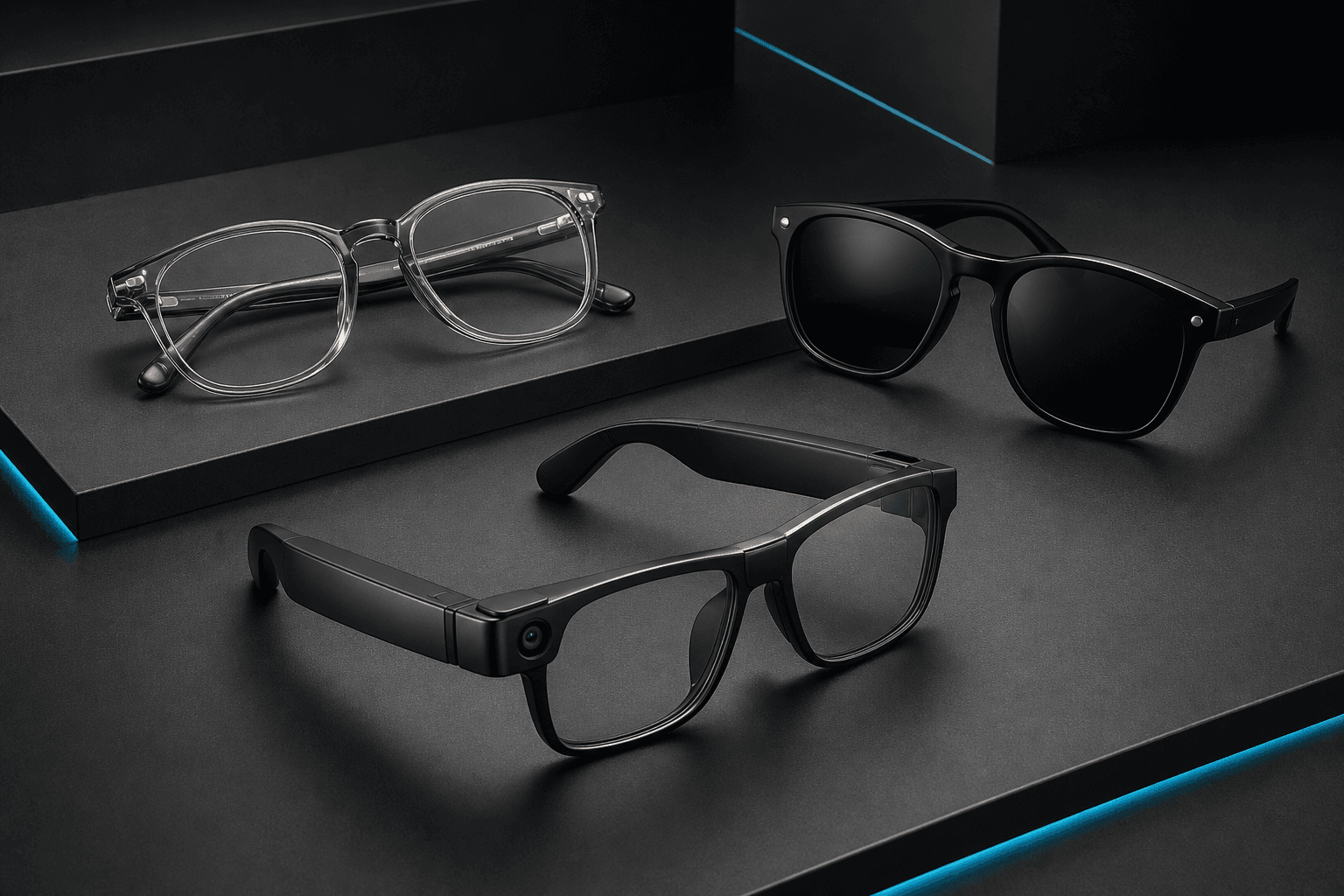
Smart Glasses With Camera: Features and Options to Compare in 2026
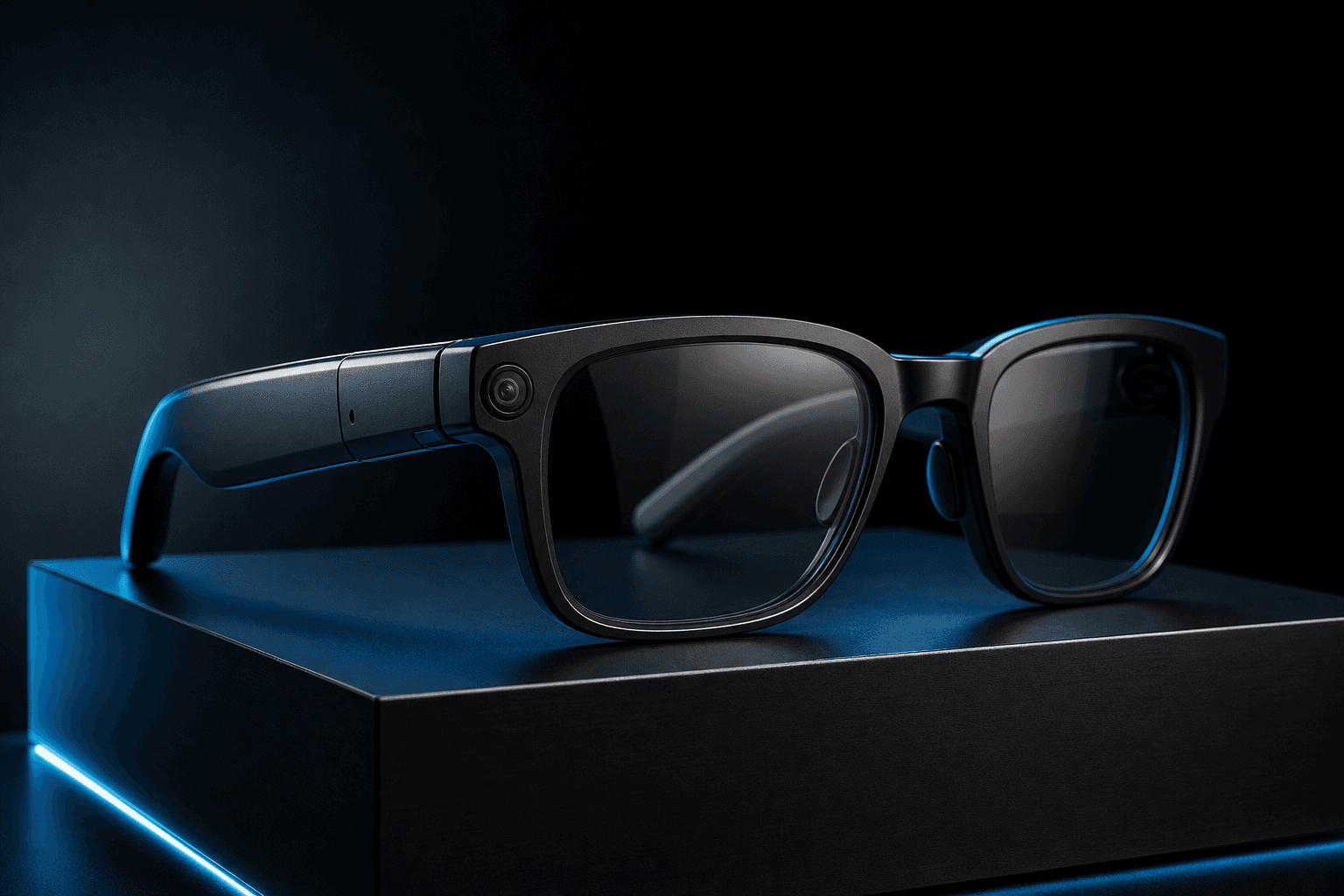
Introduction
Smart glasses with camera can look similar in a product listing but differ in what they let you capture, how they handle audio and assistant features, how they fit, and where they are available. The camera specification is only one part of the decision: a useful pair for occasional hands-free memories may not meet the needs of someone planning a more deliberate content workflow.
Compare options by starting with your intended use, then checking the camera and capture process, everyday features, fit, privacy information, and local purchase details. Treat manufacturer specifications as descriptions of what a product offers, not proof of real-world image quality or comfort. The right choice depends on which features matter to you and which details you can confirm before buying. Before buying, confirm the exact model, current local listing, and any recording-awareness details directly; product descriptions may not explain how capture is signaled.
Start With How You’ll Use Camera Glasses
Before comparing specifications, decide what you want the glasses to do. If you mainly want occasional hands-free memories or short point-of-view (POV) clips, consider how quickly you can start and stop recording, how long a clip can be, and how easily you can move it to your phone. A first-person view can show what you are looking at without holding a camera, but it may not frame a scene the way a deliberately positioned phone or camera would.
A more planned content workflow calls for closer attention to capture modes, storage, transfer options, and the controls available while wearing the glasses. Check whether the product’s documented features suit the way you intend to record and manage clips; do not assume a wearable camera replaces other equipment for every task.
If calls, listening, or voice commands are likely to be part of your routine, make those priorities part of the comparison. Check whether audio is built in, how calls and controls are described, and what phone, app, or connection setup is required. An on-frame assistant may be useful only if its functions and availability match your needs, so look for specifics rather than relying on a broad “AI” label.
Finally, consider where and how often you expect to wear the glasses. A pair used for occasional outings has different priorities from one you plan to wear through a workday. Think about the settings where you might record, too, and review the product’s fit and privacy information before deciding. A simple use-case test helps narrow the options: identify your most frequent task, then check whether the product explicitly supports the steps involved.
Compare Camera and Capture Features
Start with the manufacturer’s stated photo and video specifications, but treat them as a description of capture modes, not a verdict on image quality. For example, Ray-Ban Meta materials list a 12MP ultra-wide camera and 3024×4032 photo capture; video modes include 1080p and 3K depending on the model. The materials also describe modes such as hyperlapse, slow motion, and autocapture. Check the exact generation you are considering because features vary across models (Ray-Ban Meta specifications and Gen 2 details). These are first-party specifications, not independent evidence of comparative performance.
For Spectra X, Three9x lists 1080p video recording, electronic anti-shake stabilization, 16GB of onboard storage, and Wi-Fi 6 offload. It also gives approximate storage capacity as 30 minutes of 1080p video or 2,000 photos (Three9x). These are seller-provided specifications; they do not establish image quality. The available materials do not verify an 8MP still-photo resolution, so do not rely on that figure without checking current product information directly.
Also compare the practical capture workflow: available controls, clip limits, file handling, and how recordings transfer to another device. A POV view is convenient when you want to keep your hands free, but framing follows the wearer’s viewpoint. It may not suit every scene or planned shot. A higher resolution alone cannot tell you how the footage will look or whether the workflow fits your needs.
XREAL Beam Pro lists dual 50MP cameras for spatial images and 3D video, but its documentation does not establish that it is worn as ordinary eyeglasses. Treat it as a spatial-camera companion, not a directly equivalent pair of camera glasses (XREAL Beam Pro).
Look Beyond the Camera: Audio, Assistant, and Connectivity
For smart camera glasses, non-camera features can shape everyday usefulness as much as capture specifications. Check whether the product includes built-in audio, how its maker describes listening and calls, and what controls are available. Then confirm the connectivity and app setup needed to use those functions; a feature list does not by itself explain the full workflow.
Ray-Ban Meta materials describe open-ear speakers, a six-microphone array, phone calls, voice commands, Meta AI, Bluetooth and Wi-Fi connectivity, and integration with the Meta AI app (Meta product details). Ray-Ban’s FAQ also documents product information (Ray-Ban Meta FAQ). Assistant availability and capabilities can vary by country, account, language, and software version, so check what is currently supported where you live rather than assuming every listed feature will be available.
Three9x describes Spectra X as combining open-ear stereo audio and an AI assistant with its camera. Its materials list Bluetooth 5.4, Wi-Fi 6, and OTA updates, but do not detail the assistant’s functions, compatibility, or required software (Three9x product information). Ask the seller what the assistant can do and what setup it requires before treating it as part of your intended workflow.
Prioritize the functions you expect to use. If you mainly want hands-free capture, an elaborate assistant may matter less than straightforward recording and file transfer. If you plan to take calls or listen regularly, confirm those functions and their setup instead of assuming that more listed features automatically mean better value.
Check Comfort, Everyday Fit, and Privacy
A camera-glasses specification sheet can describe a frame’s material or weight, but it cannot tell you whether the fit will feel comfortable after several hours.
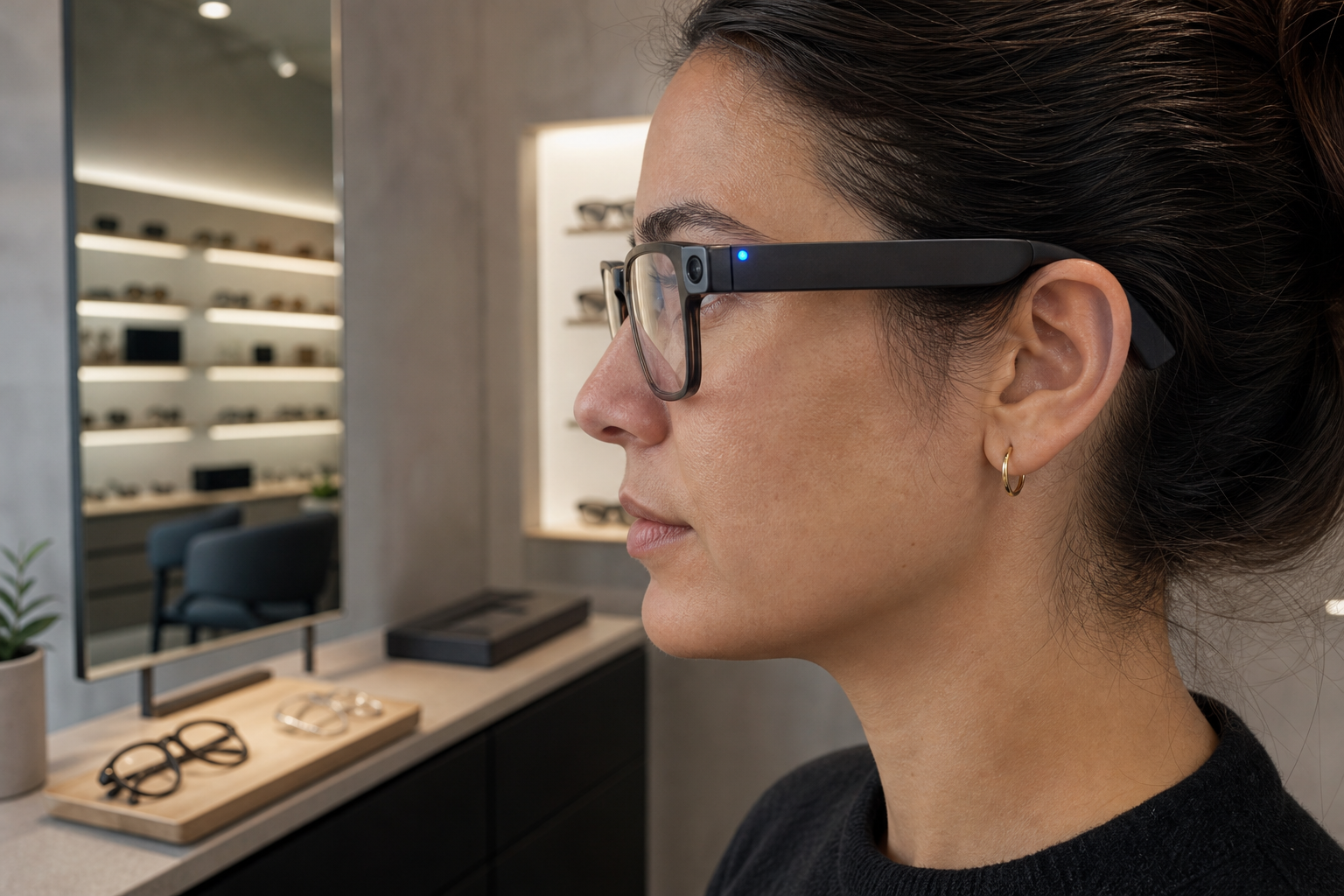
Consider the frame shape, how it sits on your nose and ears, and whether its size suits your face. If possible, try it on before buying, or check the seller’s exchange terms. Treat descriptions such as “lightweight” as product claims, not a guarantee of comfort for every wearer.
Privacy features also differ. Ray-Ban Meta documentation says a front-facing LED indicates photo and video capture. It also states that covering the LED triggers a notification and prevents the camera from functioning. The documentation distinguishes content capture from some camera-based AI uses, so do not assume the light signals every camera-related function in the same way. Check the Ray-Ban Meta FAQ.
For Spectra X, the available Three9x information does not document a recording indicator or equivalent privacy notice. Confirm this directly with the seller before purchase rather than assuming it behaves like another model. Review Three9x’s Spectra X listing.
A stated camera resolution or frame material does not, on its own, establish image quality or personal comfort. Compare documented features and consider fit and performance evidence separately.
Use recording considerately, especially around people who may not expect to be filmed. Ask permission when appropriate, and check relevant local rules for the setting where you plan to record.
Compare the Main Camera-Glasses Options
When comparing smart camera glasses, separate documented specifications from evidence of how a product performs in real use. The options below cover conventional camera glasses as well as a spatial-camera device that is not verified as ordinary eyewear.
| Option | Documented camera features | Other documented functions | Pakistan price or availability | Important unknowns |
|---|---|---|---|---|
| Ray-Ban Meta Gen 2 | Meta lists a 12MP ultra-wide camera, 3024×4032 photos, and 3K video for Gen 2. Capture modes include hyperlapse, slow motion, and autocapture. See Gen 2 details. | Open-ear speakers, microphones, calls, voice commands, and Meta AI are documented. Features and assistant availability can vary by market and software. | Pakistani retailers list Gen 2 models at roughly PKR 139,999–192,499 across variants. These are retailer listings, not official local prices. Wayfarer and Headliner. | Confirm stock, variant, authenticity, warranty, local support, and whether assistant functions are available to you. Specifications do not establish real-world image quality or comfort. |
| Spectra X | Three9x lists 1080p video, electronic anti-shake stabilization, 16GB storage, and Wi-Fi 6 offload. It estimates storage for about 30 minutes of 1080p video or 2,000 photos. See the product listing. | Three9x describes open-ear stereo audio, an AI assistant, Bluetooth 5.4, and a TR90 frame. | Three9x lists it at Rs 59,999 and says nationwide delivery and cash on delivery are available. Recheck current listing terms. | Still-photo resolution, assistant compatibility, recording indicator, warranty, and independent performance testing are not verified in the reviewed material. |
| XREAL Beam Pro | XREAL documents dual 50MP 3D cameras for spatial images and 3D video. See XREAL’s Beam Pro information. | A spatial-camera companion, rather than an option verified as ordinary camera glasses. | Pakistan price and availability were not verified. | Confirm the device form factor and whether it suits your intended setup. |
Ray-Ban Meta has the most extensive camera and wearable-function documentation among these options, but that does not establish superior performance. Its exact generation matters: features vary, and the Gen 2 specifications should not be applied to every Ray-Ban Meta model. Pakistani listings provide an indication of market availability and prices, not official manufacturer pricing or proof of warranty and authenticity.
Spectra X is a locally listed multifunction option, with seller-published capture and connectivity specifications. Those details do not verify image quality, comfort, or assistant usefulness. For all three, confirm current availability and the features that matter to your use before ordering.
Where Spectra X May Fit
Spectra X may suit buyers looking for camera glasses that combine hands-free video capture with audio and an assistant, rather than a camera-only device. Disclosure: Three9x, which sells Spectra X, publishes this article. Three9x lists 1080p video recording, electronic anti-shake stabilization, 16GB onboard storage, and Wi-Fi 6 offload. It also describes open-ear stereo audio, an AI assistant, and a TR90 frame. These are seller-published specifications, not independent evidence of image quality, comfort, or performance.
Three9x also gives an approximate storage capacity of 30 minutes of 1080p video or 2,000 photos. Treat those figures as seller-provided estimates, not a measure of capture quality. Consider how often you expect to record and whether that storage and file-transfer approach suits your routine. The listed 1080p video specification does not establish a still-photo resolution.
Three9x lists the price as Rs 59,999 and says it offers nationwide delivery and cash on delivery in Pakistan. Treat these as current listing details: price, stock, and terms can change, so confirm them before ordering. The available information does not verify warranty coverage, specific assistant capabilities or compatibility, or a recording indicator. Ask Three9x about those details if they affect your decision. The assistant’s language, phone requirements, and regional availability are also not established by the reviewed material.
If its combination of capture, audio, and assistant functions fits your priorities, check the current Spectra X listing for up-to-date product and purchase information.
A Quick Checklist Before You Buy
Before ordering, use this quick check:
- Match capture to your needs: Confirm the listed photo and video functions, controls, storage or transfer workflow, and any recording limits suit how you plan to use the glasses.
- Check everyday features: Verify audio, assistant functions, phone or app requirements, connectivity, and fit details. If privacy indicators matter to you, confirm how recording is communicated to people nearby.
- Review the purchase terms: Check the current price, local availability, delivery options, returns, and warranty information on the seller’s current listing. Don’t assume these details from an older review or a product description.
If a key detail is missing, ask the seller to confirm it before you place an order.
Conclusion
Choosing smart glasses with camera means weighing capture functions alongside audio, comfort, assistant features, privacy details, and local purchase terms. A specification can help narrow options, but it does not establish real-world performance or personal fit. Revisit the criteria that matter most to you, then confirm current listing details, availability, and terms before buying.
For shoppers considering Spectra X, Three9x describes it as combining a camera with an AI companion and open-ear stereo audio. Check the current product information to see whether that feature combination matches your priorities. Shop Now
Summary
Choosing camera glasses involves more than comparing resolution. Learn how to assess capture features, audio and assistant functions, fit, privacy information, and local purchase details across Ray-Ban Meta, Spectra X, and XREAL Beam Pro.