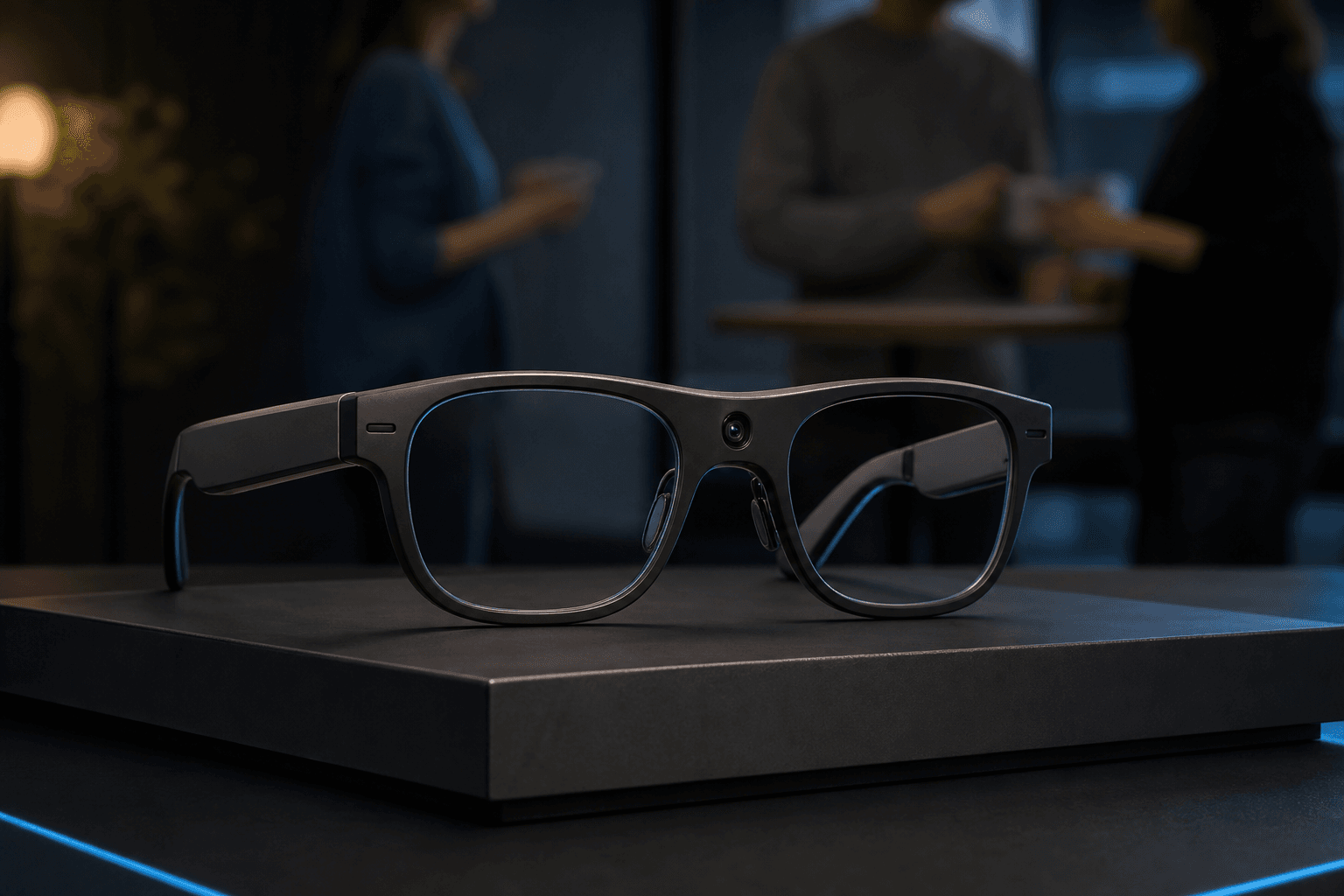
AR Glasses Explained: How They Work, Key Types, and Where They’re Used

Introduction
AR glasses are eyewear that add computer-generated information to a person’s view of the physical world. That information might appear as text, images, or other digital content, while the wearer can still see their surroundings. This combination of real and virtual elements is central to augmented reality; virtual reality, by contrast, presents an environment generated predominantly or entirely by digital means. ISO/IEC 9241-820 describes AR as a real-world experience augmented by computer-generated perceptual information, while ITU material on the terminology distinguishes environments containing real and virtual elements from those generated digitally.
The term can be confusing because some smart glasses offer cameras, audio, or an assistant without showing visual overlays. The key distinction is what the wearer sees: this guide explains how AR displays work, how implementations vary, and where adding digital information to the real-world view may be useful.
What Are AR Glasses?
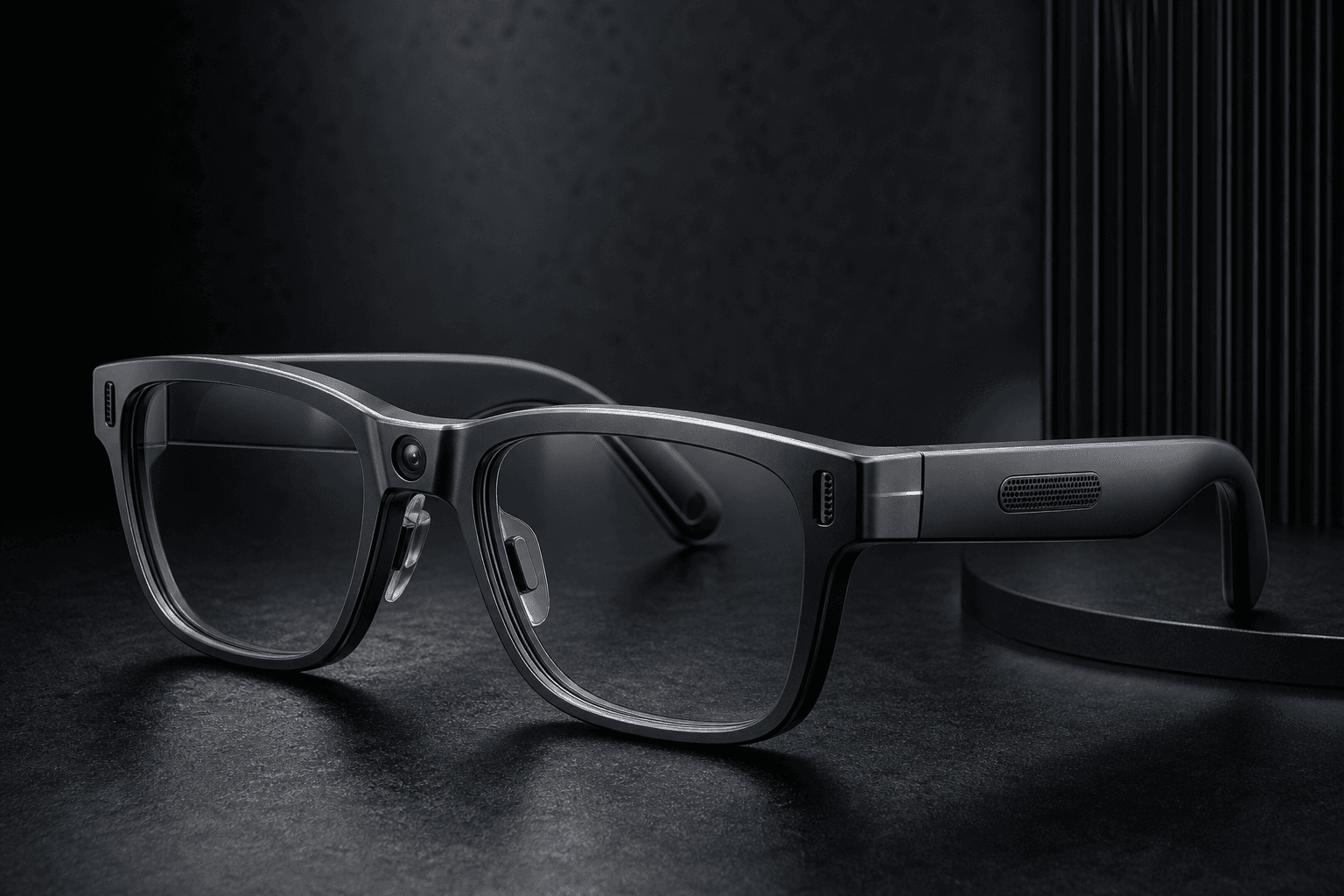
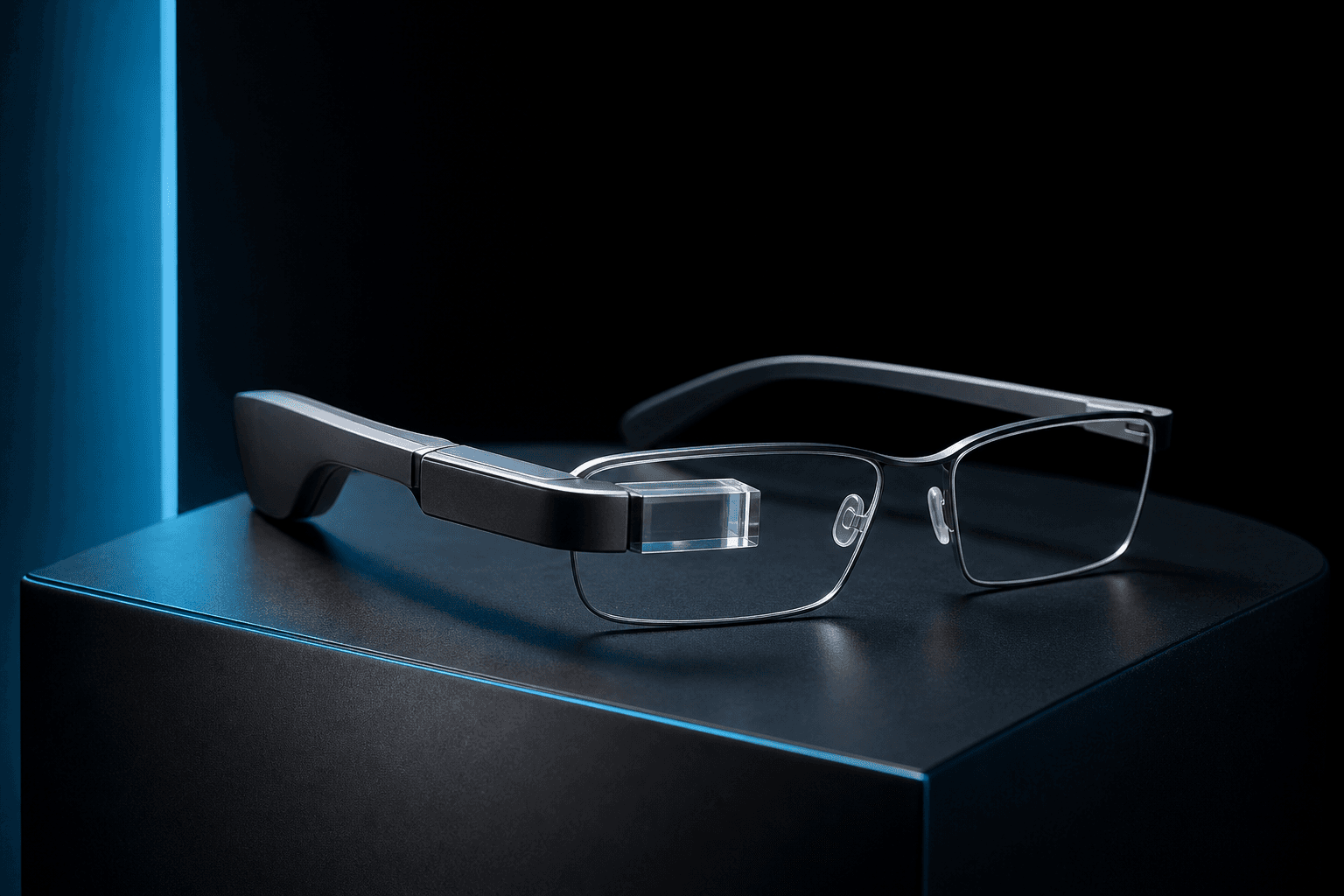
AR glasses are wearable displays that supplement the view of the physical world with computer-generated information. Depending on the device and task, that content could be a prompt, image, video, or other visual element. The defining feature is not simply that the eyewear contains electronics: it must present digital information in the wearer’s view alongside the real environment.
The amount and behavior of the content can differ. A display might show information without making it appear attached to a particular object or location. Other systems can position graphics in relation to the surroundings. The terminology in IEC 63145-1-2 recognizes AR as direct viewing of the real world supplemented or modified by computer-generated content, with or without spatial registration. So a fully interactive 3D scene is not required for a device to provide AR.
AR glasses are also not one uniform design. Display arrangements, sensing, processing, and whether a device works with a connected phone or computer can vary. For example, Qualcomm describes its Snapdragon AR1+ platform as supporting optional display configurations, including single- or double-lens displays. That is a manufacturer example, not a specification shared by every pair of AR glasses.
The distinction from virtual reality is the view of the environment. AR retains the physical-world view and adds digital information to it. VR presents a computer-generated environment that gives the wearer the sense of being somewhere else. Some devices combine real and virtual elements in different proportions, but a camera, microphone, or voice assistant alone does not make glasses augmented reality. Without a visual overlay, those features are smart-glasses functions rather than an AR display.
How Do AR Glasses Work?
An AR glasses system has to present digital content where the wearer can see it while preserving a view of the physical environment. A display creates the image, and optics direct or combine that image with the wearer’s view. The details depend on the design; no single optical arrangement or sensor set is required across all devices.
Sensors and cameras can supply information about the wearer’s movement or surroundings. Processing hardware uses available data to determine what content to show and, in systems with tracking, how to position it. Connectivity may bring in content or link the glasses to another device. Some processing can be handled by the glasses and some by a connected host, depending on the product. These are implementation options, not universal requirements.
A simplified flow is:
Sensors or input provide context → processing selects or positions content → the display and optics present it in the wearer’s view.
A manufacturer example illustrates how these pieces may be combined: Qualcomm lists camera processing, microphones, wireless connectivity, and optional display configurations for its Snapdragon AR1+ platform. Its listed 3DoF support is a platform-specific capability, not a general specification for AR glasses. A separate research paper describes a particular AR-glasses platform using left- and right-eye camera modules and a scene camera, illustrating that sensing setups can also be tailored to an application. Neither example establishes that every device uses those components.
The wearer’s experience depends on how the system handles tracking and presents its image. Field of view, brightness, visibility in different lighting, and how steadily content appears are product-specific considerations, not values that can be assumed for the category as a whole. Battery life and computing arrangements also vary: some designs may rely on a connected device, while others have onboard power or processing. The practical question is whether a particular system’s display, tracking, connectivity, and controls suit the intended task.
AR Glasses vs. Smart Glasses: What’s the Difference?
The key difference is whether the glasses add computer-generated information to the wearer’s view of the physical world.
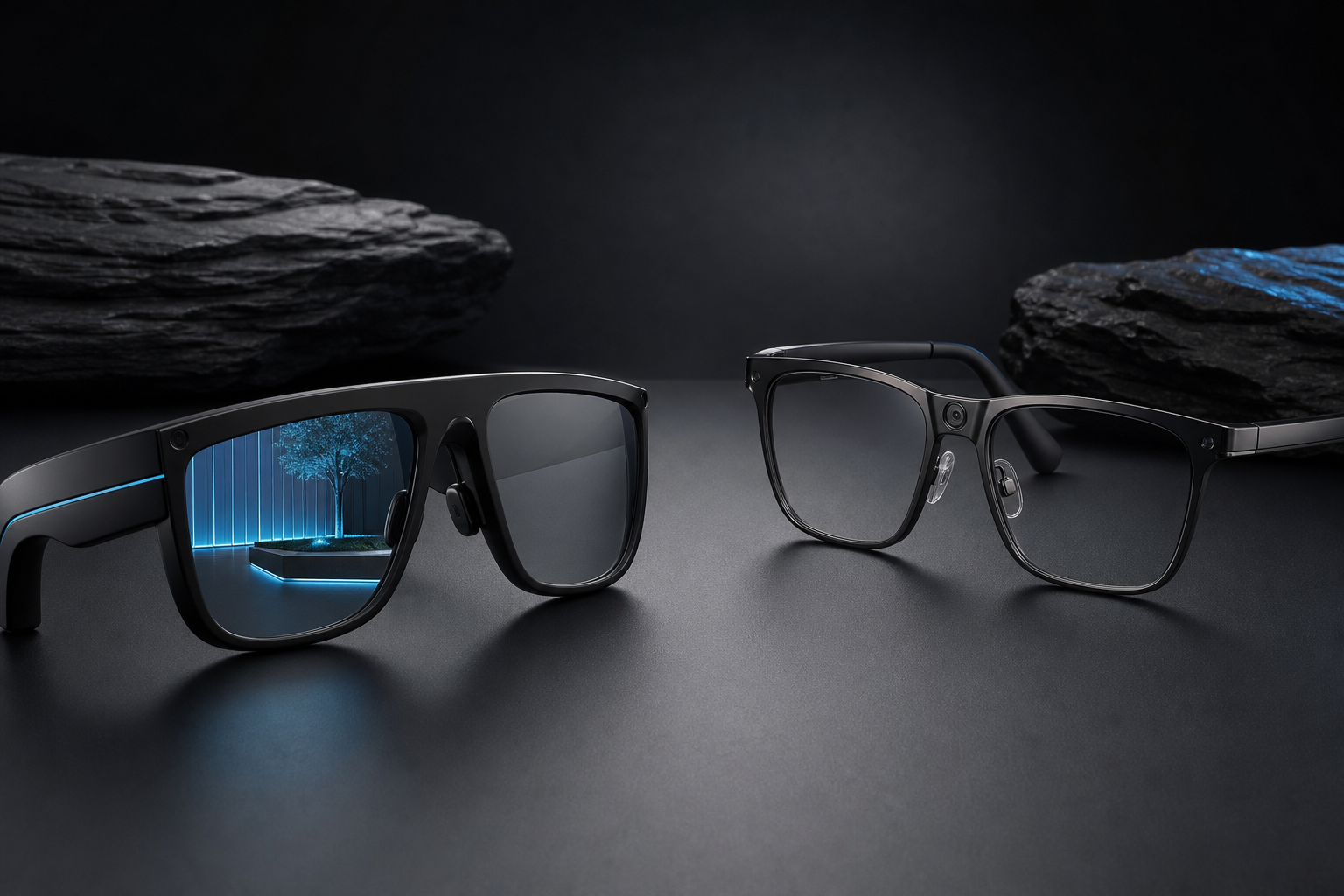
Display-based AR glasses present visual content through a near-eye display. Depending on the device, that content may include instructions, labels, or other digital elements positioned in the wearer’s view. The physical environment remains visible.
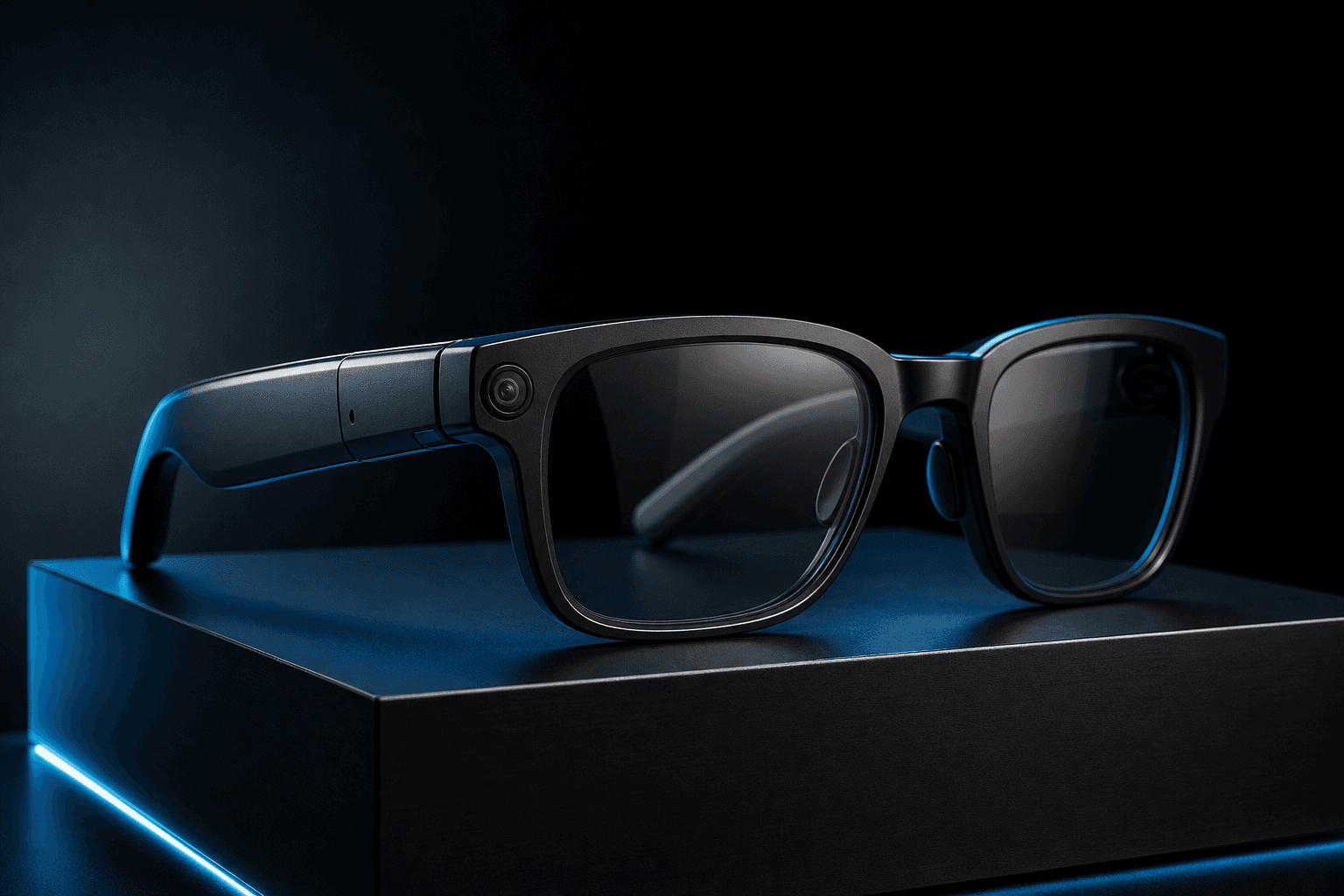
“Smart glasses” is a broader term. Some models focus on functions such as taking photos or video, playing audio, making calls, showing notifications, or providing an assistant. Those features can be useful, but they do not necessarily mean the glasses display augmented-reality content.
A camera, microphone, audio system, or AI assistant does not by itself mean a pair of glasses displays augmented-reality content.
| Feature | Display-based AR glasses | Smart glasses without a visual AR overlay |
|---|---|---|
| Primary function | Adds digital visual information to the wearer’s view | Provides functions such as capture, audio, calls, or assistant features |
| Visual display | Has a display for presenting digital content; the approach varies by product | May have no display for visual overlays |
| Example capabilities | Instructions or other information shown in the wearer’s view | Camera, microphones, audio, or voice-assistant functions |
The categories can overlap: a device may combine a display with cameras, microphones, and wireless connectivity. For example, Qualcomm’s Snapdragon AR1+ platform supports camera processing and microphones, with optional display configurations. That is a platform example, not a specification shared by all glasses. When assessing a product, check whether its documentation confirms a visual display and what that display can show.
Where Are AR Glasses Used?
The clearest documented uses of AR glasses are in workplace tasks where people need instructions, visual context, or help while keeping their hands available. Industrial maintenance, inspection, training, and remote assistance are especially well represented in the available examples, though individual deployments do not establish widespread adoption.
In one production-plant case study, staff used AR smart glasses for training, product inspection, machinery testing, maintenance, audits, and new-product development. The account also describes remote one-to-one technician training. This documents a particular organization’s use, not a measured result that can be assumed for other factories.
Remote assistance offers another practical use: a technician at a worksite can share their view with an expert elsewhere, who can then provide guidance. A Mondi customer story published by TeamViewer describes on-site technicians sharing their field of view with remote experts while working hands-free. This is view-sharing through smart glasses, not evidence that the glasses displayed guidance as an AR overlay. It is a provider-published customer story, so it illustrates a workflow rather than independently verifying its outcomes. A separate oil-extraction plant case reports practical testing of glasses used for operator guidance, remote support, and safety alerts, but it does not demonstrate broad adoption.
Device choice also depends on the task. A 2025 review describes larger-field-of-view systems as suited to activities such as assembly, design, and training, while compact systems may suit repair, installation, monitoring, maintenance, or remote-expert work. It also notes that operating conditions and protective equipment can affect selection. These are application-specific trade-offs, not a guarantee that one design will fit every workplace.
Outside those workplace examples, navigation might place a turn prompt in view, while a learning application might label an object being examined. These illustrate how contextual visual information could be used, rather than established deployments. Whether such information helps would depend on the task, the display, and the setting in which someone uses the glasses. The available evidence supports treating these areas as emerging or limited, not routine applications. A 2025 consumer AR review found that only four included studies used AR glasses in data collection. That finding describes the reviewed research, not every commercial product or deployment.
Benefits, Limitations, and Privacy Considerations
In the right task, AR glasses can put relevant visual information within view without requiring someone to hold a separate screen. For maintenance or remote assistance, that can help a worker consult instructions or share what they are seeing while keeping their hands available. The benefit depends on the workflow, device, and supporting systems; it should not be taken as a general promise of faster or more accurate work.
Practical trade-offs vary by product. Field of view, display visibility, weight, battery arrangement, computing capacity, and connectivity can affect how well a device fits a task. Some glasses have an internal battery, while others draw power from a connected host. A systematic review describes limitations across the systems it examined, and ASUS lists its ROG XREAL R1 as a host-powered example. Neither source establishes a universal specification or comfort level for AR glasses. In workplaces, conditions and compatibility with protective equipment may also shape suitability.
Camera-equipped glasses raise a separate question: what happens to images or audio involving people nearby? The European Data Protection Board states that processing information about identifiable people with smart glasses can involve personal data under the GDPR. It also notes that responsibility may involve the wearer, device producer, or linked service provider, depending on the circumstances. Its statement is specific to the GDPR framework, not universal legal advice.
Before recording, consider whether capture is needed, who may be in view, how long material is retained, and who can access it. Irish regulator guidance on body-worn cameras discusses the risk of capturing passers-by, while Canadian guidance for law-enforcement cameras describes safeguards such as limiting unnecessary capture and access. These sources concern particular jurisdictions and contexts; recording and workplace rules vary. Check the applicable requirements and product settings rather than assuming one rule fits every situation.
What to Consider Before Choosing AR Glasses
Start with the task, not the product label. If you need instructions or other digital information visible while you work, confirm that the glasses have a display and check what it can show. If you mainly want photos, audio, or an assistant, smart glasses may offer those features without an AR display. Cameras or AI features alone do not confirm a visual overlay.
Compare specifications with your intended setting and routine:
- Display and visibility: Check the display configuration, field of view, brightness, and stated visibility limits. These vary by product. Rokid, for example, lists a 30° field of view and brightness up to 1,500 nits for its glasses on its product page and store listing; those figures are not category standards.
- Compatibility and power: Confirm supported phones, computers, or other host devices, and whether the glasses need a connection or have an internal battery. ASUS specifies that its ROG XREAL R1 display glasses draw power from a host.
- Comfort, battery, and controls: Check weight and battery claims against your likely wear time, and find out how you control the display. Manufacturer specifications are not independent comfort testing.
- Privacy: Look for recording indicators and controls, and consider whether camera, microphone, or data features suit the places where you plan to wear the glasses.
Someone following visual work instructions should prioritize display capability and compatibility. Someone who mainly wants hands-free photos or audio may not need an overlay. Verify current specifications and availability with the manufacturer or seller before buying.
Conclusion
AR glasses add computer-generated information to a view of the physical world. Smart glasses may also offer useful connected features, such as a camera, audio, or an assistant, but those capabilities do not by themselves establish that the glasses have a visual AR display.
The right choice depends on what you need to do. Identify the task, then check for the display and content you require, compatibility with your devices, expected comfort and power arrangements, and privacy controls. Products can also differ in how they present and position information, so the AR label alone does not tell you what the viewing experience will be. Check that the intended software supports your task. Specifications and capabilities vary by product, so verify them with the manufacturer or seller rather than relying on the category name alone.
Summary
AR glasses add digital information to a view of the physical world, but their displays and capabilities vary. Learn how they work, how they differ from smart glasses, where they are used, and what to consider when choosing a device.