What Are Meta Glasses? How Ray-Ban Meta Glasses Work and What They Can Do
Introduction
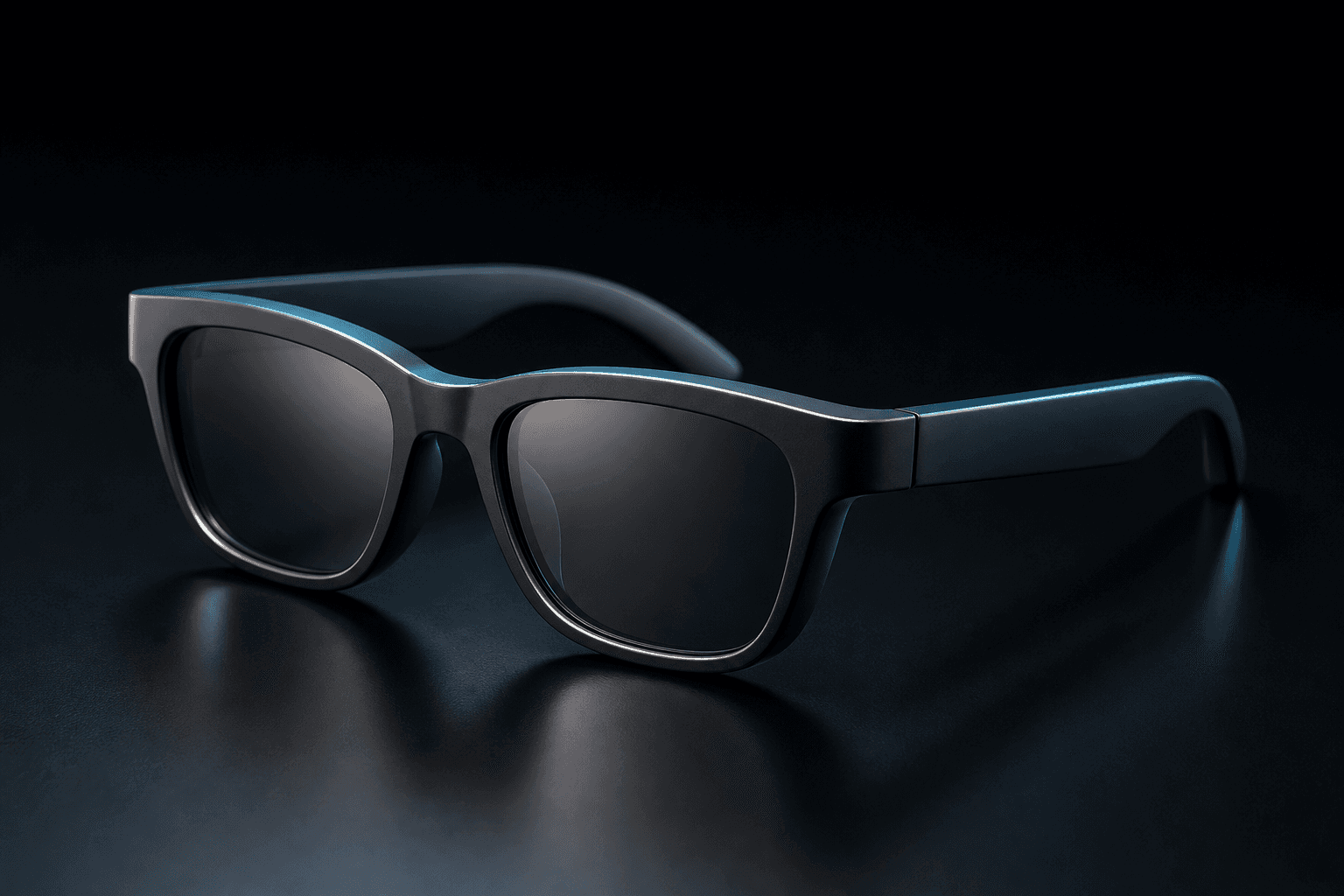
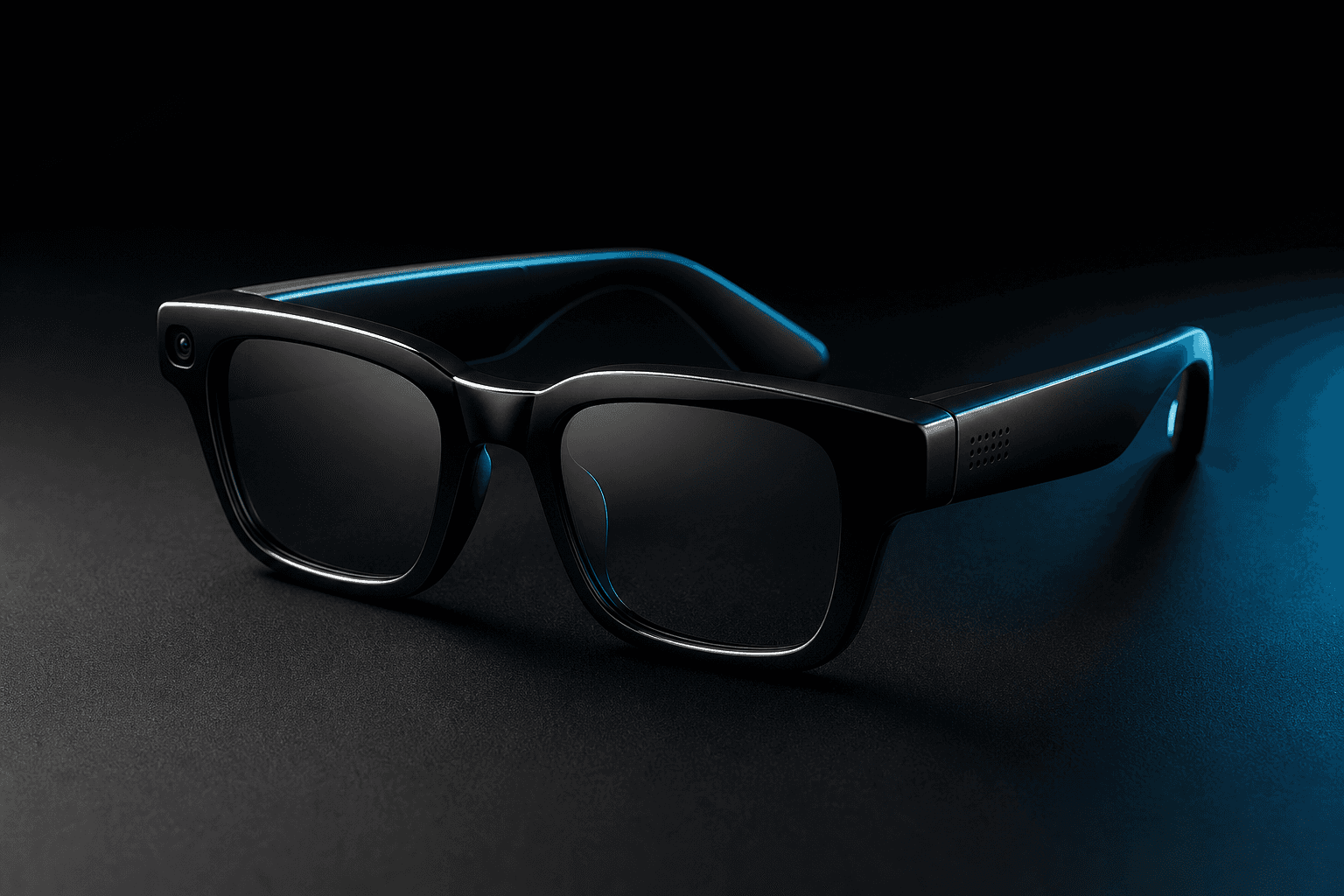
“What are Meta glasses?” usually means Ray-Ban Meta AI glasses: eyewear with built-in camera, audio and smart features, rather than an immersive VR headset. Ray-Ban’s current product information covers multiple models and families, so details can differ across them. Meta Ray-Ban Display glasses are documented separately and include an in-lens display; their specifications should not be assumed to apply to standard camera-and-audio glasses.
This guide explains the main components, how the glasses work with a phone, and what their features can realistically do. It also covers recording indicators, privacy considerations and practical limitations to check before choosing smart eyewear. Availability and feature access can depend on the model, software and location. Because product names overlap, the model and generation matter when comparing cameras, displays, battery claims or regional availability. Check the exact product page rather than treating the lineup as one device.
What are Meta glasses?
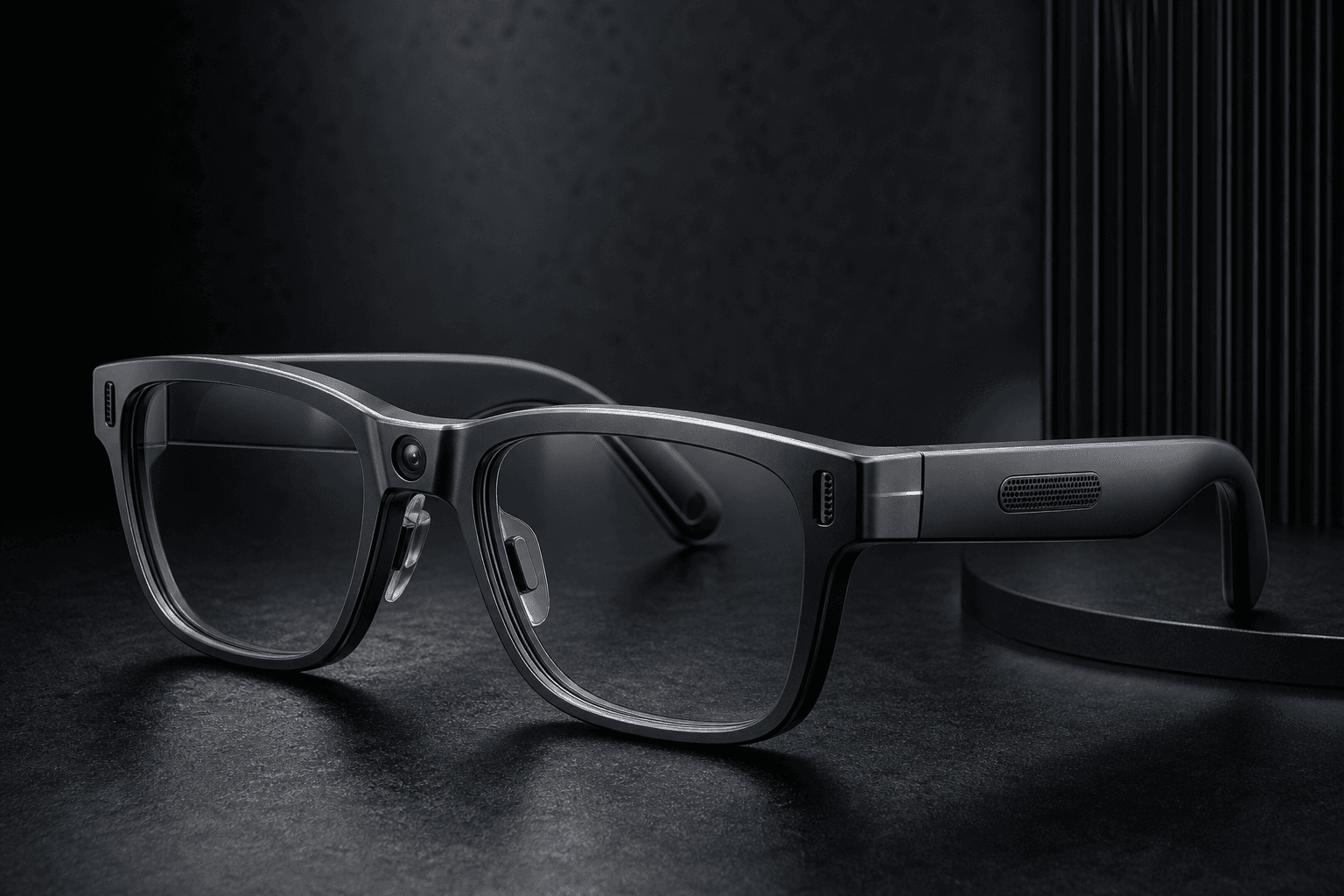
The phrase “Meta glasses” is commonly used as shorthand for Ray-Ban Meta smart glasses, currently described on Ray-Ban’s site as Ray-Ban Meta AI glasses. They combine eyewear with technology for capturing photos and video, listening to audio and using selected smart or voice features. The exact design and specifications depend on the model: Ray-Ban lists Gen 2 products as well as Blayzer and Scriber Optics families, so one model’s features should not be treated as universal.
For example, Ray-Ban identifies an ultrawide 12-megapixel camera, 3K Ultra HD video, a five-microphone system and open-ear audio for its Ray-Ban Meta Gen 2 products. These are manufacturer-listed specifications for the applicable models, not a guarantee that every pair bearing the Ray-Ban Meta name has the same components. Check the product page for the specific frame and generation you are considering.
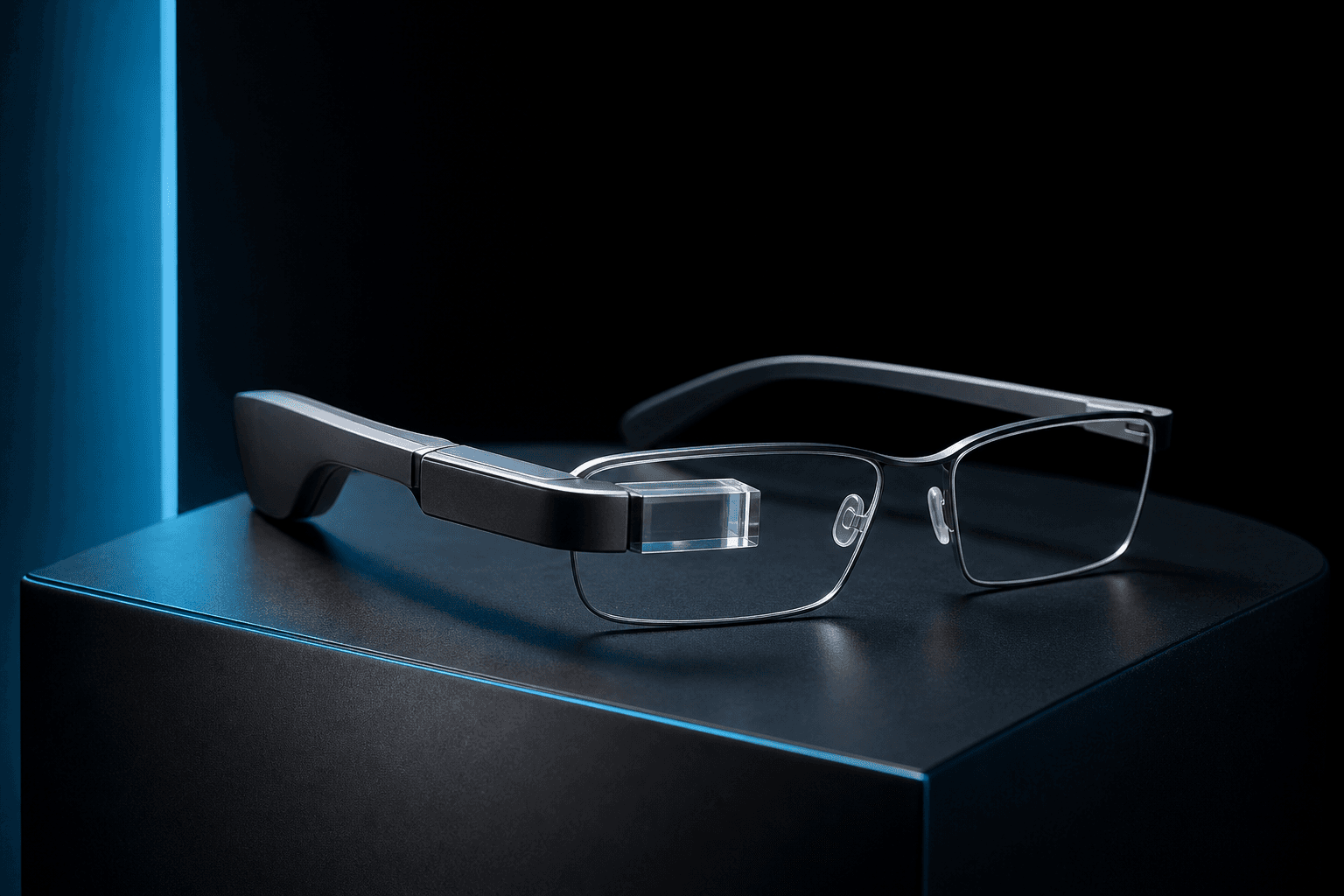
These glasses are not the same category as an immersive VR headset. Standard Ray-Ban Meta glasses are eyewear with camera and audio functions; Meta Ray-Ban Display glasses are documented separately and include a 600-by-600 in-lens display. Do not assume their display features or specifications carry over to other Ray-Ban Meta models.
Availability also matters. Ray-Ban’s listed purchase markets do not include Pakistan, and the available official information does not confirm Pakistan-specific purchase, app, account, language or feature support. That does not rule out reseller imports, but it means local availability and support should be verified rather than assumed.
How do Meta glasses work?
Ray-Ban Meta glasses bring several functions into the frames. On the documented Gen 2 models, the camera captures photos and video, microphones support voice functions and calls, and open-ear speakers provide audio without covering the ears. Controls on the glasses let users interact with certain functions. The manufacturer lists up to eight hours of battery life for these Gen 2 products on a single charge; this is an estimate, and actual runtime varies with use. Do not apply that figure automatically to other generations or product families.
They are not fully standalone devices. Ray-Ban’s official product information requires a compatible smartphone: Android 10 or later with location services enabled, or iOS 14.4 or later. The Meta AI app is used for setup and certain functions. For example, the official FAQ says users can change the default 30-second video length to 60 seconds or up to three minutes in the app. That documented limit should not be assumed for every model, including the separately documented Display glasses.
Some uses also depend on voice assistance or AI services. Ray-Ban describes examples such as asking questions, brainstorming, setting reminders, getting landmark information, live translation and editing photos through the Meta AI app. The available evidence does not establish that every feature works on every model, in every language or region, or without an internet connection. Availability may depend on the model, software, location and supported account; check current official details before relying on a specific function.
In practical terms, the glasses capture or play audio, while the paired phone and app support setup and selected features. Requirements can vary by function, and the available product documentation does not fully specify every connection or account dependency. Confirm those details for the model and location where you plan to use them.
Ray-Ban Meta glasses features: what can they do?
Ray-Ban Meta glasses features combine hands-free capture, open-ear audio and voice-led functions, but specifications depend on the model.
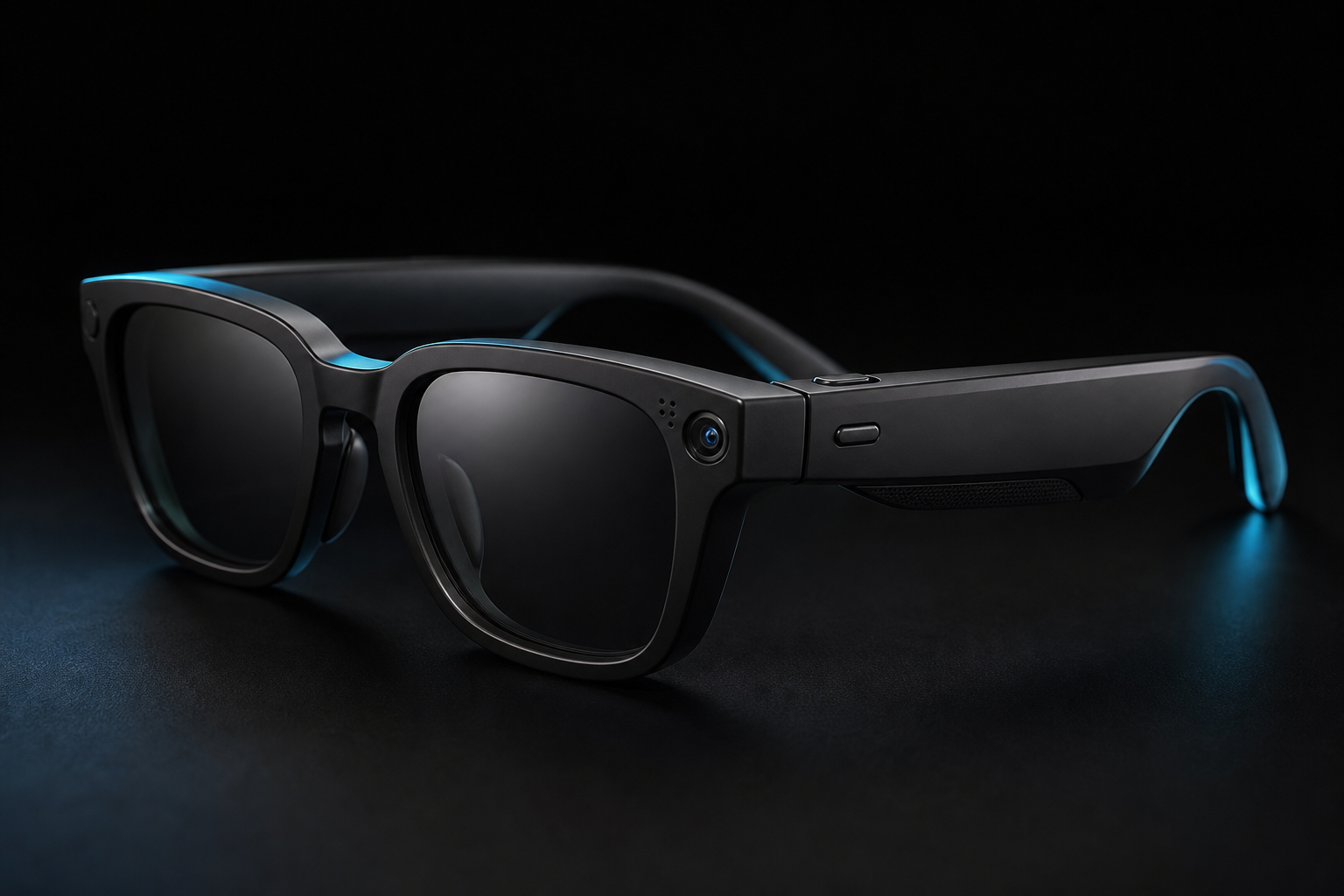
For example, Ray-Ban describes its Gen 2 Skyler as having an ultrawide 12 MP camera, 3K Ultra HD video, a five-microphone system and open-ear audio. Those specifications should not be assumed for earlier generations or other product families.
Capture lets you take photos or record video from the glasses rather than holding a phone. For applicable models, Ray-Ban’s FAQ says video is 30 seconds by default and can be configured for up to 3 minutes in the Meta AI app. That setting and the available capture options may depend on the model, software and market, so check the FAQ and product page for the specific pair.
| Capability | What it enables | Important caveat |
|---|---|---|
| Photo and video capture | Take photos and record hands-free from the glasses. | Applicable Ray-Ban Meta FAQs document 30-second video as the default, with 60-second or 3-minute options configurable in the Meta AI app. Limits may vary by model, software and market. |
| Audio | Listen through open-ear speakers and use voice assistance. | Features and operation depend on the specific glasses and compatible setup. |
| Voice and AI | Ask questions, brainstorm, set reminders, get landmark information, use live translation or edit photos through the Meta AI app. | Ray-Ban lists these functions, but access can depend on model, region, language and software version. |
The Gen 2 Skyler’s five-microphone system and open-ear audio are product specifications, not a guarantee that every frame has the same audio hardware. Ray-Ban lists voice assistance for this model. Its broader feature information also describes AI uses such as questions, reminders and live translation, but the evidence does not establish that every function is available everywhere or works without a compatible setup.
The official product overview lists capture modes and smart features, but its information spans products or generations. Check the individual model’s current specifications rather than treating the full list as universal. In particular, official evidence reviewed here does not confirm Meta AI or all feature support in Pakistan. Availability can change, so verify the app, language and features for your location before buying.
Common ways people use Meta glasses
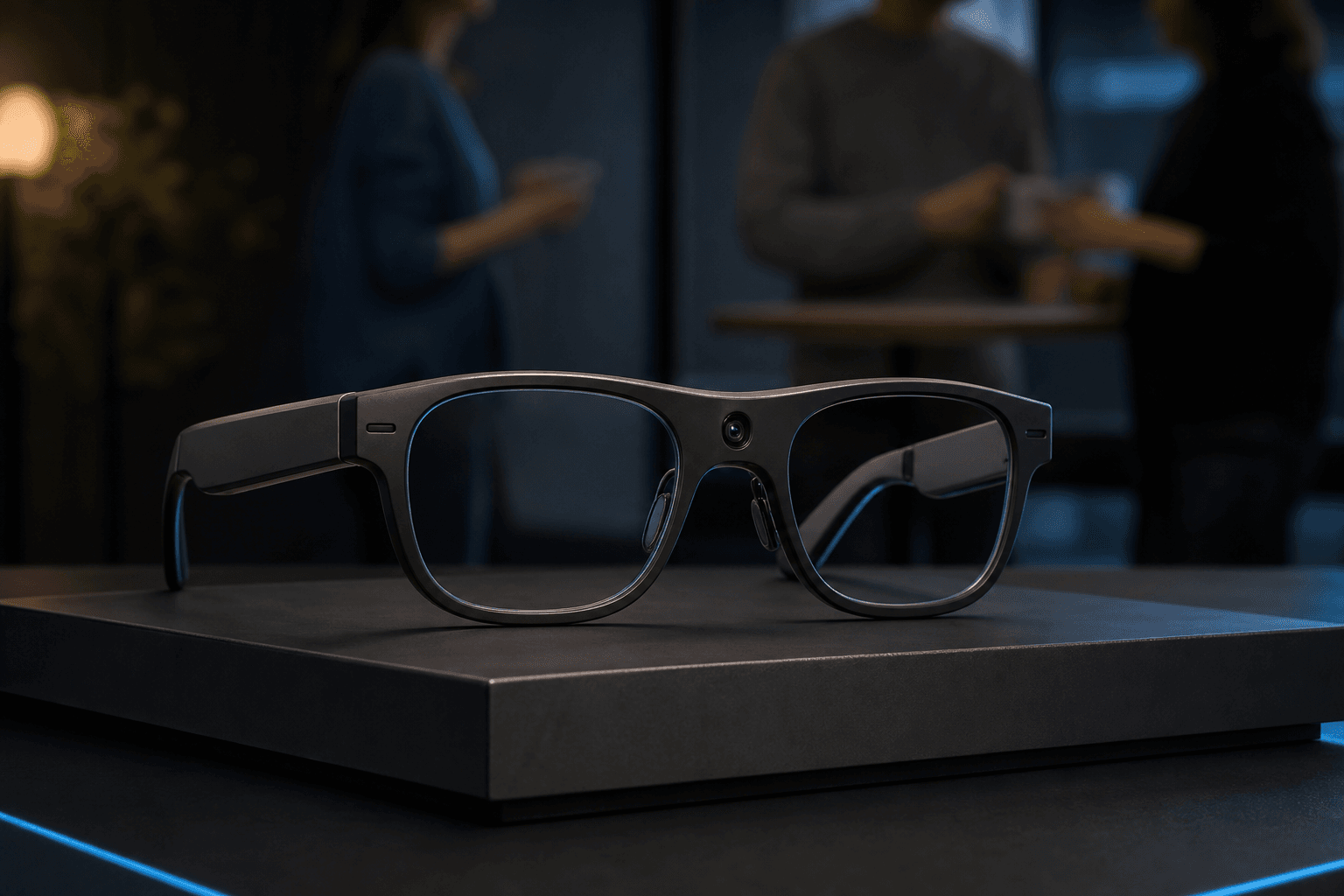
Hands-free capture can suit everyday moments when reaching for a phone is inconvenient, or provide a first-person view for a creator’s workflow. It is not a guarantee of professional camera results, and anyone recording should consider the privacy of people nearby.
Open-ear audio can be useful for listening while walking or handling routine tasks, while voice assistance offers a way to interact without holding a phone. Calls and other audio functions depend on the specific model and setup; check the current product documentation for the glasses you are considering.
Battery and recording limits shape how practical these uses are. Ray-Ban estimates up to eight hours on a single charge for the cited Gen 2 models, but says battery life varies with use. Its FAQ gives applicable models finite capture estimates, including up to 25 30-second videos or up to 500 photos per full charge. These are manufacturer figures, not a promise of uninterrupted all-day use. The Ray-Ban FAQ also explains that video length can be configured in the Meta AI app. For applicable models, the default video length is 30 seconds, with 60-second and three-minute options. That favors planning a recording around a particular moment rather than relying on continuous capture. Comfort and fit, connectivity, and remaining battery also affect whether the glasses suit a task, so check the model’s limits and regional feature access before relying on them for a particular activity.
Privacy, recording etiquette, and limitations
For applicable Ray-Ban Meta models, the official FAQ says taking a photo triggers a blinking white LED and an audible sound. For video, the LED stays on while recording. These are device indicators, not proof that everyone nearby has noticed, that consent has been given, or that recording is lawful. Some camera-based AI tasks on newer models may not turn on the LED because they are not treated as shareable gallery capture.
Before recording other people, consider whether permission is appropriate and check local law, privacy expectations and venue rules. Do not rely on an indicator as a substitute for consent or considerate use.
Privacy involves more than the capture light. Ray-Ban’s official FAQ disclosure says captured media stays on the device unless users choose to share it, while optional cloud media processing can involve temporary storage. Regional FAQs describe a 30-day expiry and settings to turn that processing off, but this is not established as a universal retention rule for every model, feature or region. The FAQ also says AI-processed photos may be stored and used to improve Meta products; the full policy and applicable settings should be checked directly. These company disclosures are not independent security guarantees.
Voice use has a separate consideration: Ray-Ban’s regional FAQ says speech in the few seconds after a voice command may be recorded and processed, and that the LED indicates audio processing. Exact behavior can depend on model, language and software. Another regional FAQ says users can switch off optional cloud media processing in settings and that deleting media from the gallery also deletes it from the cloud. This describes that processing feature, not every data-retention practice.
Battery, connectivity and feature availability can also limit use. Check the current documentation for the exact model and market, including recording settings and privacy controls. The available evidence does not establish a complete inventory of controls or legal recording guidance for every location.
What to consider when choosing smart glasses
Before choosing smart glasses, start with the functions you will actually use. Consider whether you want hands-free photos or video, open-ear audio, calls, or voice assistance. Then assess fit and comfort, battery expectations, and whether the frames suit your everyday needs. Specifications can differ by model: for example, Ray-Ban lists up to eight hours of battery life for Ray-Ban Meta Gen 2, while noting that actual use affects battery performance (Gen 2 product details).
Check phone compatibility before buying. Ray-Ban’s product information requires a compatible Android phone or iPhone, and available features may also depend on the app, software, and location. Official purchase-market information does not confirm availability or feature support in Pakistan, so check current regional details rather than assuming imported products provide local app access, warranty, or support (Ray-Ban product information).
Before committing, try the frames if possible and check their fit, weight, and lens options against how you plan to wear them. Ask how the features you care about depend on a phone, app, or connection, and whether the battery estimate reflects your likely mix of recording, audio, and voice use. Review warranty, return, and repair terms with the seller, especially if you are buying across borders.
For shoppers in Pakistan comparing a separate option, Three9x, the publisher of this article, describes its own Spectra X as smart glasses with an AI companion, open-ear stereo audio, and a camera in everyday frames. Spectra X is a Three9x product, not a Meta product; these descriptions do not establish feature parity, integrations, or performance compared with Ray-Ban Meta glasses. Confirm current specifications, availability, and purchase terms on the product page before deciding.
Conclusion
Ray-Ban Meta glasses combine everyday eyewear with camera, audio, and smart capabilities, but the available functions depend on the model, phone, app, and region. Before buying, compare the specifications for the exact model, review its privacy information, and confirm that desired features and support are available where you live.
A useful final check is to separate essentials from extras: confirm the glasses fit comfortably, work with your phone, and support the camera or audio functions you expect. Treat AI and regional availability as features to verify, not assumptions, and compare current product details before ordering.
If you are comparing another smart-glasses option in Pakistan, Three9x’s Spectra X is a separate product. Check its current details and purchase terms directly on the product page.
Summary
Learn what Ray-Ban Meta glasses are, how they work with a compatible phone and app, and which camera, audio and voice features they offer. The article also explains model differences, recording indicators, privacy considerations and practical limitations to check before buying.